
What belongs in a vulnerability assessment report?
A useful report explains what was checked, what was observed, why it matters, and how the team can verify a fix. VulnBeacon keeps the scope and coverage limitations alongside the findings so readers can judge the evidence.
- Scope and provenance
- Record the approved assets, assessment context, evidence sources, and completed or unavailable checks. Keep each run and the recorded hashes of its original files when comparing later assessments. Application context can also flag a reviewed-source commit that differs from the declared deployed build.
- Findings and supporting evidence
- Connect each observation or lead to the evidence behind it. Evidence status, confidence, severity and review disposition remain separate so a workflow decision does not become proof. Optional screenshots depict redacted evidence cards and illustrative maps; they are labeled and are not presented as screenshots of the target application.
- Remediation procedures
- Give the responsible team a concrete next step, with configuration guidance and proposed retest criteria appropriate to the observed issue. Remediation remains a reviewed engineering action.
- Integrity and history
- New runs save a sealed manifest of their original file hashes. Later reviews and attachments can be compared against that record to identify changed, missing or added files. This detects changes; it does not prevent edits or create immutable backup copies. Older runs without a seal are labeled accordingly.
Choose an export for the audience
- HTML and Markdown: readable assessments for technical and stakeholder review, including evidence and remediation context.
- CSV and JSON: structured observations and findings for analysis, inventory work, and internal workflows.
- Permissions coverage: an endpoint × role × tenant grid in HTML, plus per-cell CSV and JSON with expectations, outcomes and session-state context.
- SARIF: security-result interchange for supported development-tool workflows.
- CycloneDX: a software bill of materials (SBOM) with component inventory from supported source manifests. Available detail depends on the supplied source inputs.
Owners and analysts can download report files and attach them through their own email client or share them through approved channels. Viewers can read reports but cannot export them. Automatic outbound emailing is not part of this workflow.
View the synthetic sample security reportKeep ownership and retesting with the finding
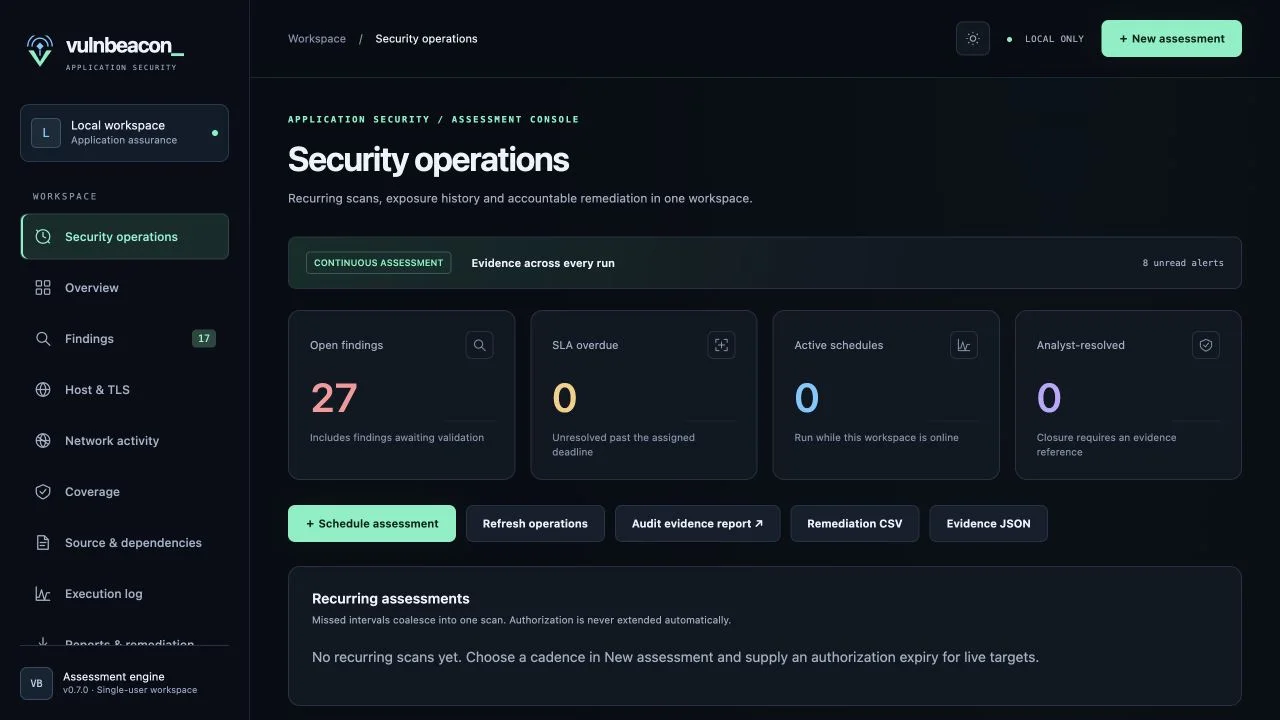
Assign an owner, priority, and due date. Record review decisions with supporting evidence, track overdue work, and compare assessments within the approved scope. The workflow keeps unverified leads distinct from reviewed observations.
- Review the finding. Confirm the affected asset, evidence, coverage, and business context.
- Plan the change. Agree on the responsible owner and remediation procedure, then apply the approved change through the normal release process.
- Run a comparable retest. Set the issue to ready for retest and run a comparable assessment. A supported equivalent check must run on the same asset and pass; a matrix finding requires the same cell to pass. Preserve the new assessment separately.
- Record the decision. A passing equivalent retest resolves the issue with linked evidence. A reproduced issue reopens; an inconclusive result keeps it waiting. Manual resolution requires an analyst-attested retest with evidence. A missing alert alone cannot resolve it.
Keep the next review connected to its evidence
Operational exports carry linked retest plans and results separately from each run's assessment. Optional Claude assistance can draft explanations, fix plans and executive summaries from recorded, redacted evidence. Drafts are labeled, stored separately and do not rewrite reports or make finding decisions.
Workspace owners can configure retention and delete runs or uploaded source. Retention is off by default; cleanup protects runs still in progress, the latest run in a scope, and evidence referenced by protected issue states.
Reporting questions
Can reports include screenshots?
Yes. Supported evidence captures can be included in the HTML assessment. They depict evidence cards or illustrative maps generated by the tool; target-application screenshots require separate reviewed evidence capture.
Does a report certify compliance?
No. Reports can support an audit or internal review, but do not provide a compliance certification or guarantee that every vulnerability was found.
Which assessments feed the reports?
Use domain and IP assessments, source review, declared API permissions, or local collector results and scanner imports. Report detail reflects the actual inputs, checks, and evidence available.